FBR NTN Registration Online 2026 Ultimate Amazing
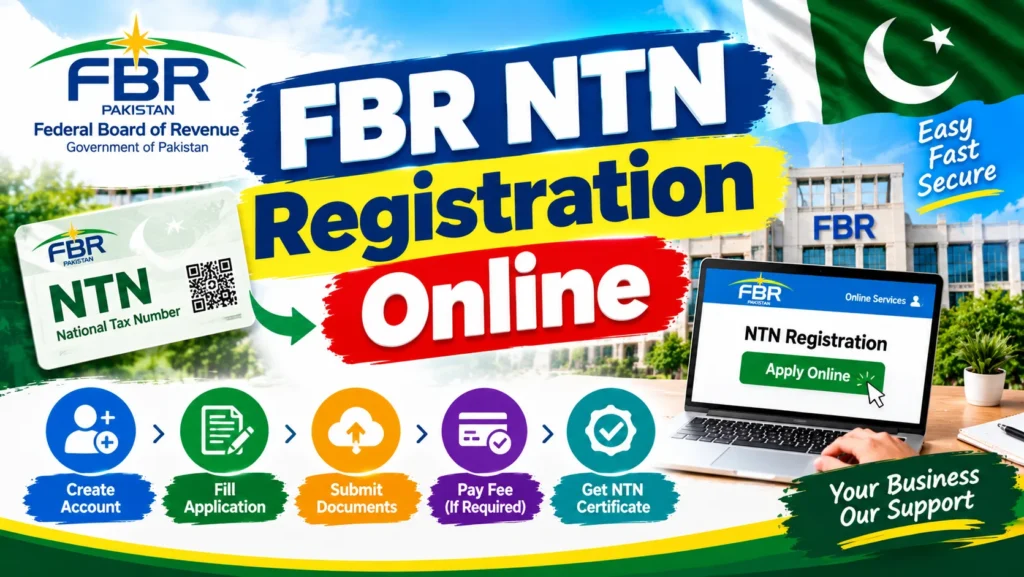
FBR NTN Registration Online You need to open a bank account for your business or want to get a business loan or register to pay sales tax but the bank or the department requires your NTN your National Tax Number. You don’t have one. You go to the tax office and wait only to be told to apply online.
But Where?
How? Which form?
An all too familiar struggle for millions of Pakistanis salaried people freelancers and small business owners who want to register FBR NTN Registration Online for tax but the process is intimidating. Fortunately FBR NTN registration online is entirely free will take you just 15 to 30 minutes and you can complete the entire process on your computer or laptop
The Federal Board of Revenue (FBR) has automated the complete process online via the IRIS 2.0 portal at iris.fbr.gov.pk. So regardless of whether you want to register as an individual a sole proprietor or want to add a business to FBR NTN Registration Online your existing profile, it’s simple. Here’s a step by step guide of everything you need to know from required documents to how to check NTN status after registering.
What is FBR NTN Registration and Who Provides It?
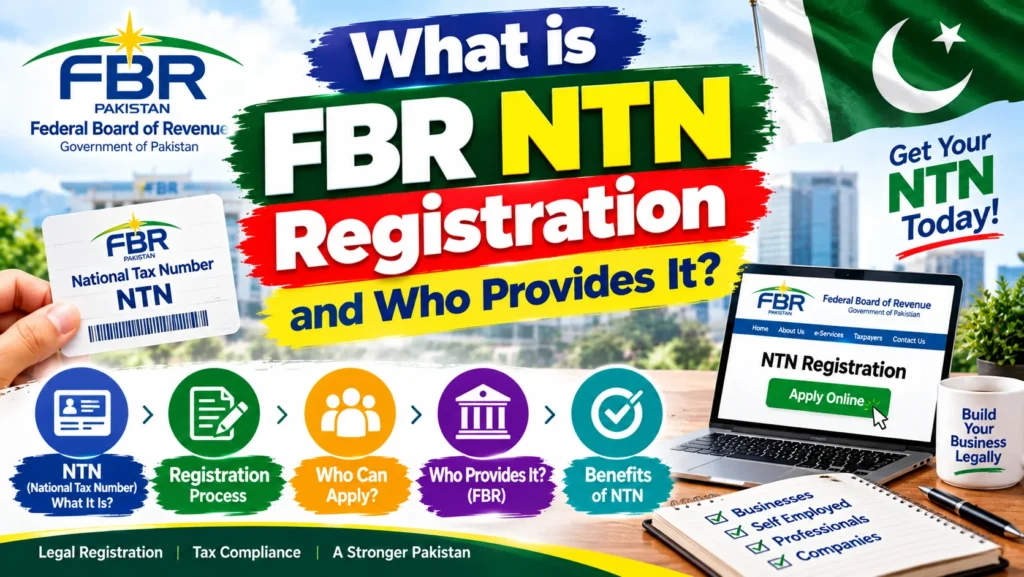
NTN or National Tax Number is your digital identity at tax system of Pakistan. For individuals there is no separate number you FBR NTN Registration Online are assigned NTN once you get registration with FBR and since your CNIC is 13 digit NTN remains same for individuals. Companies and associations of Persons are assigned a separate NTN with 7 digits after registration.
Federal Board of Revenue (FBR) which is FBR NTN Registration Online the tax authority of Pakistan NTN registration are done on IRIS portal iris.fbr.gov.pk which is the online tax registration and filing system of FBR.
Important Clarification NTN vs Filer Status
Many people confuse these two terms
No NTN Means you are not in FBR system. Your Tax identity is not found in their record.
Filer Status Represents filing a FBR NTN Registration Online current tax year income tax return and appearing in the Active Taxpayer List. Filer rates are only available to filers.
You become a filer when you file. Just registering does not automatically mean you are a filer.
Who Needs to Register for NTN?
According to FBR guidelines you should register if any of these apply to you
| Situation | Do You Need NTN? |
|---|---|
| Salary above taxable limit | Yes |
| Freelancer earning any income | Yes |
| Running a business or sole proprietorship | Yes |
| Owning property or a vehicle | Yes |
| Wanting to open a business bank account | Yes |
| Income currently zero | Still recommended—costs nothing |
What You Need Before Starting
Prepare these documents and information before you begin
For All Applicants
- Valid CNIC (front and back scanned copies)
- Active mobile number registered on your name (for OTP validation)
- Personal E-mail address not entered with FBR in the name of any other person.
- Address verification by a utility bill or tenancy agreement
Additional for Business Owners
- Business name and nature of business
- Business letterhead
- Recent electricity bill for the business premises
- Rent agreement or ownership proof for business address
- Mobile number and email not already linked to another FBR profile
Additional for Salaried Individuals
Important: Keep scanned copies (JPG or PDF) ready before you start. The form times out if you go hunting for documents mid way .
FBR NTN Registration Online
Go to the FBR IRIS Portal
Visit iris.fbr.gov.pk, FBR’s official online tax registration platform now upgraded to IRIS 2.0 .
Select “Registration for Unregistered Person”
If you don’t already have an FBR profile, choose this option to start a new registration .
Choose Your Taxpayer Type
Select whether you’re registering as an Individual an Association of Persons or a Company. Most salaried people freelancers and sole proprietors register as an Individual .
Verify Your CNIC and Mobile Number
Type your CNIC (without dashes) and mobile number. The FBR will provide a one-time code (OTP) to validate the above both.
Troubleshooting If OTP is not working FBR NTN Registration Online your number is not linked to your name in NADRA. Solve that first. FBR NTN Registration Online In case you’ve ported your number from one network to the other send a blank text to 9966.
Verify Your Email
FBR also sends a code to your email address to confirm it .
Complete the Registration Form
Enter your information including your address place of employment and telephone number. If you’re self employed use your business FBR NTN Registration Online name and business address not your home address. Enter your notary state county and the date it was signed.
Upload Your Documents
Upload scanned copies of your CNIC business letterhead (if applicable) electricity bill and rent agreement or property proof .
Submit for FBR Review
Once submitted, FBR reviews your application. This typically takes 2 to 7 working days .
Receive Your NTN Certificate
Upon approval your NTN certificate will be ready to download from your IRIS account. Click on Completed FBR NTN Registration Online Tasks Registration 181 (Order) in order to download your certificate.
Important: For persons CNIC=NTN. Certificate displays your CNIC attached with your registered details.
Alternative Methods
SMS Service FBR NTN Registration Online
- FBR provides SMS services to check for ATL Filer Status (not NTN Registration)
- For people (1) Text ATL [space] 13 digit CNIC number (without dash) (2) Send to 9966.
- For companies/AOPs Type ATL then a space and your 7 digit NTN. Send to 9966.
- For AJ&K Residents Type AJKATL then CNIC/NTN. Text it to 9966.
- You’ll receive a reply within minutes confirming Active or Inactive status .
Tax Asaan Mobile App
FBR’s Tax Asaan mobile app allows you to
- Check your ATL/filer status
- File simplified returns (for straightforward income cases)
- Access tax registration services
FBR Helpline
For assistance with registration issues
- National: 051 111 772 772 (Monday to Friday 8:00 AM to 11:30 PM)
- International: +92 51 111 772 772
- Exclusive Line for Females: 051 9107025 (Monday to Friday 8:00 AM to 4:00 PM)
- Email: helpline@fbr.gov.pk
How to Check NTN Status Online
After registration, you can verify your NTN status using these methods :
FBR Online Verification Portal (No Login Required)
Visit FBR’s official website: e.fbr.gov.pk
- Go to “Taxpayer Profile Inquiry” or “NTN/STRN Inquiry”
- Choose an identifier: CNIC (to be used by individuals) or NTN (to be used for companies).
- Input your 13 digit CNIC (without dashes) or 7 digit business NTN
- Complete the CAPTCHA verification
- Click “View Your Record” and FBR NTN Registration Online click the link. Click “Verify”. View your registration record and click the link to find the registration number date and RTO.
- This will cost you nothing, no IRIS login is required and it can be used to check either your own status or the status of a business prior to a transaction.
Through IRIS Portal (More Detail)
- Log in to iris.fbr.gov.pk using your registered CNIC and password
- Navigate to your Taxpayer Profile section
- View your full NTN certificate registration details and filing history
SMS Check for ATL Status
Send ATL + space + CNIC to 9966 to check if you’re on the Active Taxpayer List .
Common Errors and How to Fix Them
Payment Methods for Tax Payments
Although NTN registration is free FBR NTN Registration Online you may face expenses that include taxes or surcharges. You can make payments to the FBR using:
- Online Banking: Create PSID (Payment Slip ID) on IRIS and pay in your bank app.
- ATM Any bank ATM with the PSID Please Note: ATM funds request will be effective on the next working day.
- Easy Paisa/Jazz Cash: Bill Payment Government Taxes Enter PSID
- Branches of banks: go to NBP ABL MCB or other banks with PSID.
- Tax Asaan App: Pay through the app.
Important Dates and Deadlines
| Event | Deadline |
|---|---|
| Income Tax Return (Individuals/Salaried/AOPs) | September 30, 2026 |
| Income Tax Return (Companies) | December 31, 2026 |
| ATL Publication for Tax Year 2026 | October 1, 2026 (tentative) |
Penalties for Late Filing: Failure to pay by 30 September will incur penalties under Section 182 (0.1% of tax payable per day) and FBR NTN Registration Online a default surcharge under Section 205. You may be disqualified from the ATL until you make a payment and pay the surcharge..
Security Tips to Avoid Scams
- Official Portals should be used: The FBR verification page makes it clear that the official and only source of NTN verification are e.fbr.gov.pk and Tax Asaan mobile app.
- No Cost for NTN Registration. FBR NTN Registration Online There is no cost to complete your registration on IRIS. If you are paying someone to “register your NTN” you are being ripped off.
- No Fee for Status Checks: NTN verification and ATL checks are free. If someone is charging you to “check your NTN” they’re selling you something that FBR gives away.
- Do not Share OTPs FBR will never call you for your OTP password or PIN.
- Check NTN Before signing a FBR NTN Registration Online contract or opening a business account with a new supplier check their NTN through the official portal of FBR.
For More : NSER Survey Check Online 2026 Ultimate Amazing
Frequently Asked Questions (FAQs)
How can I register for FBR NTN online?
Visit iris.fbr.gov.pk, select “Registration for Unregistered Person,” choose your taxpayer type, verify your CNIC and mobile number via OTP, complete Form 181, upload documents, and submit. Your NTN is generated upon approval .
Is FBR NTN registration free?
What is my NTN number if I’m an individual?
How can I check my NTN status online?
Visit e.fbr.gov.pk, select “Taxpayer Profile Inquiry” choose CNIC as your identifier, enter your 13-digit CNIC without dashes complete the CAPTCHA and click “Verify” .
What is the difference between NTN and filer status?
How long does NTN registration take?
Conclusion
FBR NTN registration for free and get access to business banking tax filing and the formal economy. FBR NTN Registration Online Register now via IRIS 2.0 portal in less than 30 minutes without the need to visit the tax office.
Your action plan
- Require To Take CNIC mobile active number email address proof.
- IRIS Visit: Visit iris.fbr.gov.pk “Registration for unregistered person”
- Fill In Form 181 Enter your information and upload documents
- Time Reimbursement for approval 2 to 7 working days for FBR review.
- Download Certificate: From Completed Items Register 181
- File Your Return: To qualify as a filer FBR NTN Registration Online file your income tax return on or before September 30, 2026
- Verify ATL Status: Forward ATL + CNIC to 9966
Disclaimer: This guide is for informational purposes only. FBR procedures, deadlines, and requirements are subject to change. FBR NTN Registration Online Always verify current information through the official FBR website (fbr.gov.pk) and IRIS portal (iris.fbr.gov.pk). The author does not guarantee registration approval.